Quickstart
In a terminal:
which defaults to:
(this assumes the environment variable OPENAI_API_KEY is defined)
An icon should show up almost immediately in the system tray, with options to copy the content of the clipboard (the last thing you copy-pasted) and send that to the AI model for reading aloud.
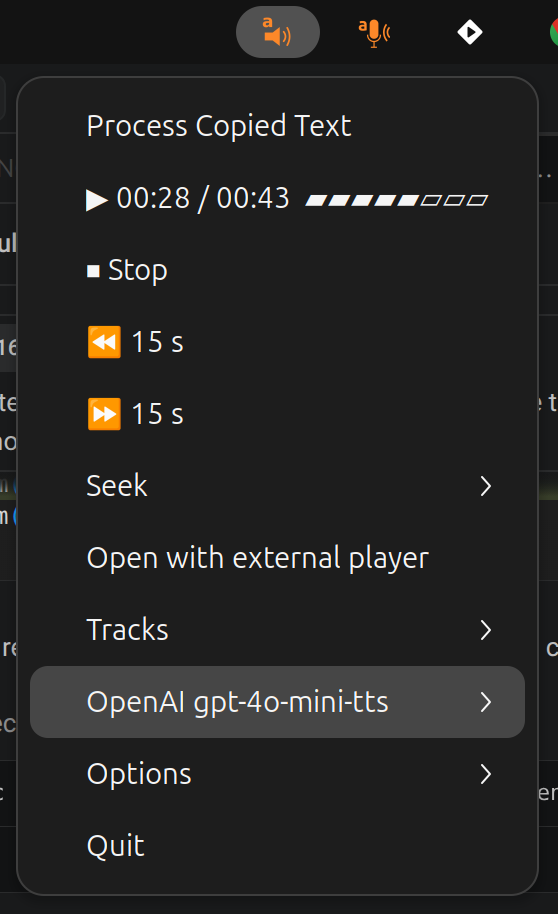
From here you can:
- Feed bard different input sources — see Input sources.
- Switch backend, model, or voice from the tray menu.
- Bind a global keyboard shortcut to read the clipboard from anywhere.
Terminal mode
There is a terminal version via the --no-tray parameter that renders a
keyboard-driven playback dashboard
([space] play/pause, [←→] ±jump, [↑↓] track, [del] delete, [q] menu).
For a one-off execution of the program without any controls, use
--no-interactive (the older --no-prompt is kept as a deprecated alias).